 Skip to content

If you’ve ever wished you could ditch the cable box, watch live sports from leagues around the world, and catch up on last night’s match during your lunch break, IPTV is probably the answer you’ve been looking for. Understanding what IPTV is takes about five minutes, and once it clicks, the way you think about TV changes completely.
What Is IPTV?
IPTV stands for Internet Protocol Television. Put simply, it’s TV delivered over your internet connection instead of a cable wire or satellite dish. Think about what happened to music: you went from buying CDs, to downloading MP3s, to just opening Spotify and streaming whatever you want. TV is going through the same shift, and IPTV is where most of that shift is landing.
The “internet protocol” part just means your TV content travels as data packets, the same way a webpage or a video call does. You don’t need to understand the technical side of that. What matters is the result: channels, movies, sports, and replays delivered to whatever screen you’re sitting in front of, without a satellite dish on your roof or a cable technician at your door.
How IPTV Works
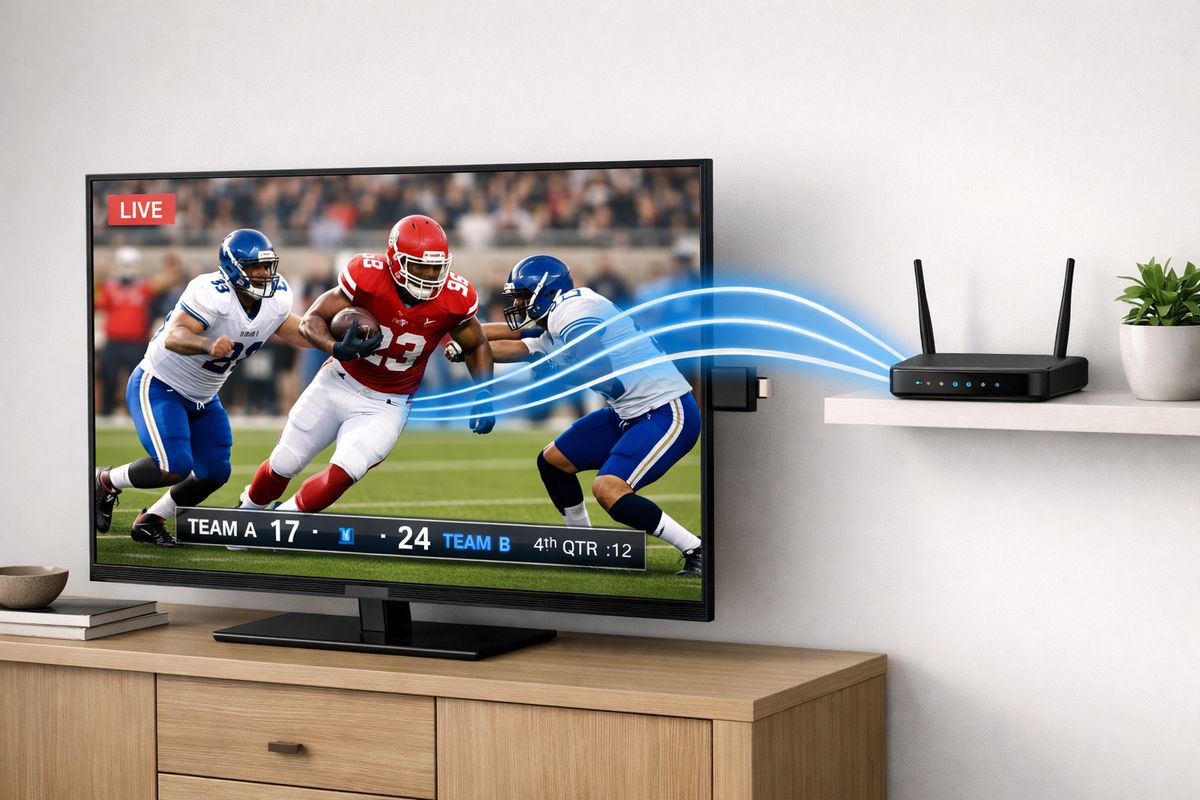
A provider encodes video content and sends it over a broadband connection as a stream of data. Your device receives that stream, decodes it, and plays it back in real time. The whole process happens fast enough that live TV looks and feels like, well, live TV.
To actually use an IPTV service, you need three things: a decent internet connection (more on speed in a moment), a compatible device, and a subscription to an IPTV provider. That’s it. No new wiring, no installer visit.
Why Xtreme hd iptv is the N1 best iptv provider ?
When it comes to reliable, high-performance streaming, Xtreme HD IPTV consistently stands out as the top choice for viewers who demand quality without compromise. With an extensive channel lineup spanning sports, movies, news, and international programming, it delivers the kind of variety that satisfies every type of viewer under one subscription.

What you get with a typical IPTV service
Most IPTV subscriptions like xtreme hd iptv bundle four types of content. First, live channels, which work exactly like traditional TV: the channel is broadcasting, and you’re watching it happen in real time. Second, video on demand, or VOD, which is a library of movies and series you can start whenever you feel like it.
Third is time-shifted TV. Say a Champions League match kicked off at 8 PM and you sat down at 9:15. With time-shifted viewing, you can rewind to the opening whistle and watch from the start, even though the match is still live. Fourth is catch-up or replay, which lets you go back and watch something that aired yesterday or even earlier in the week, as if you’d recorded it.
That combination is what makes IPTV genuinely different from older TV services. The schedule stops being someone else’s problem.
What devices work with IPTV
Most people already own something that works. Smart TVs from Samsung, LG, and similar brands often support IPTV apps directly. Android TV sticks and Amazon Fire TV sticks are popular because they’re cheap and plug into any HDMI port. Set-top boxes give you a dedicated, always-on setup that some households prefer. And if you want to watch on your phone or tablet while traveling, most services support that too.
IPTV vs. Cable, Satellite, and Streaming Apps
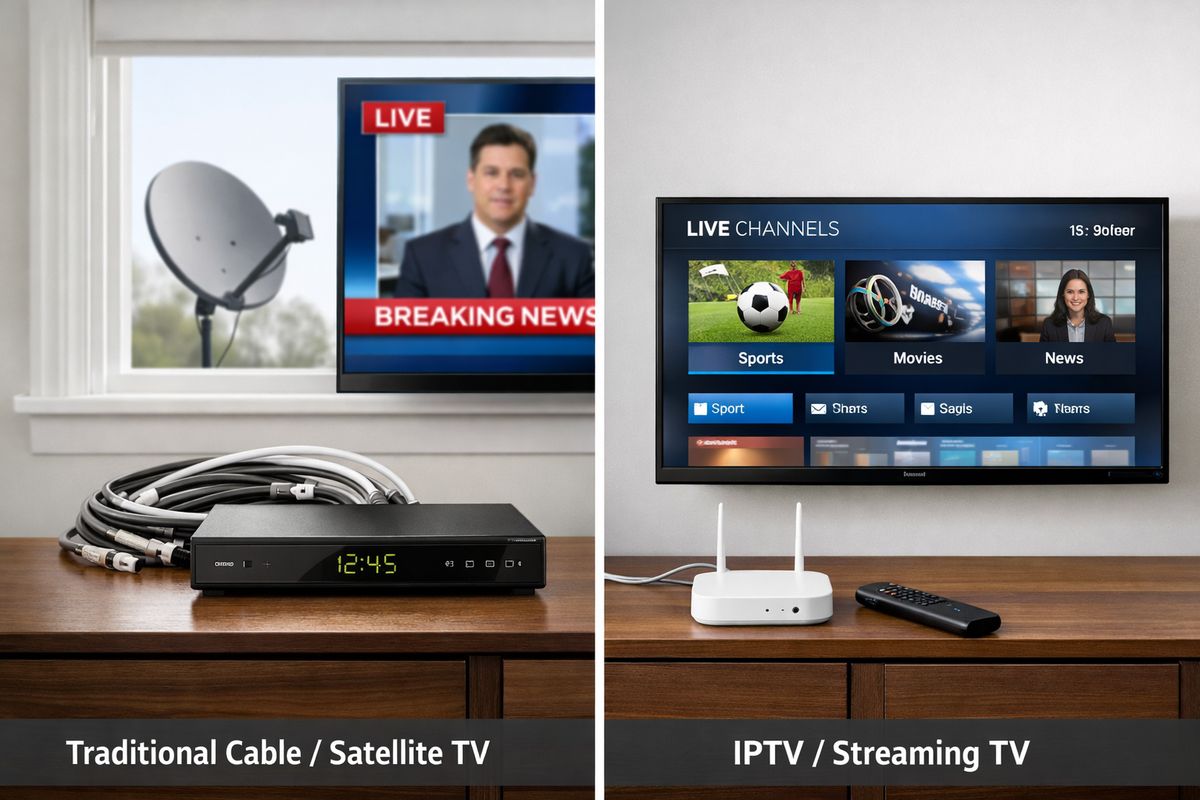
Cable and satellite push channels to your TV on a fixed schedule, using dedicated physical infrastructure. If you want to record something, you need a DVR box. If you want to watch something you missed, you’re often out of luck. The channel lineup is set by the provider, and the bill doesn’t move much regardless of what you actually watch.
IPTV delivers the same live-TV feel but over your existing broadband connection. Because it’s internet-based, the content can be on demand, time-shifted, or interactive in ways that cable infrastructure struggles to match.
OTT apps like Netflix or Disney+ are also internet-based, but they’re built around on-demand libraries and original content. They don’t usually include live TV bundles, live sports from dozens of leagues, or hundreds of international channels. IPTV sits right in the middle: the live-channel experience of cable, with the flexibility of streaming.
The Main Types of IPTV Services
Here’s where it helps to be clear-eyed. There are two broad categories of IPTV services.
The first is licensed IPTV, offered by telecom operators, pay-TV companies, and official apps. These are stable, legal, and usually bundled with broadband or offered as standalone subscriptions. The content rights are legitimate, the streams are reliable, and there’s customer support when something breaks.
The second is unlicensed or gray-market IPTV. These services pop up online, often at very low prices, promising thousands of channels for a few dollars a month. The catch is real: streams disappear mid-match without warning, there’s no support to call, the services can vanish overnight, and using them puts you in legal gray territory depending on where you live. The price looks appealing right up until the moment your team scores and the stream freezes.
Licensed services cost more. That’s just the trade-off, and it’s worth knowing before you subscribe.
What to Look For When Choosing an IPTV Service
Before committing to any subscription, check four things.
Start with the channel lineup. If live sports or international channels are the reason you’re interested, confirm those are actually included, not just advertised vaguely. A service with 10,000 channels that doesn’t carry your league is useless to you.
Next, check device compatibility. Most good services support smart TVs, Fire Sticks, and phones, but confirm your specific setup is covered before you pay.
Stream quality and reliability matter more than raw channel count. Look for services that offer a trial period so you can test performance during peak hours, like a Saturday afternoon match, before locking in.
Finally, run a quick check on your internet speed. A stable 25 Mbps connection handles 4K streaming without issues. If you’re on slower broadband or sharing a connection with several devices, factor that in when judging stream quality during your trial.
Common Questions About IPTV
Is IPTV legal?
Yes, licensed IPTV is completely legal. Telecom operators and pay-TV providers offer IPTV services in markets all over the world, and subscribing to one is no different from signing up for any other TV service. The legal gray area involves unlicensed services that redistribute content without holding the rights to it. If a service has a legitimate website, recognizable payment methods, and a customer support channel, that’s a reasonable starting signal. If it’s $3 a month for 20,000 channels from an anonymous reseller, it almost certainly isn’t licensed.
Do you need special equipment?
Probably not. If you have a smart TV, a Fire Stick, an Android TV box, or even just a phone, you’re already set up for most IPTV services. A dedicated set-top box is an option if you want a cleaner, always-ready experience in your living room, but it’s not a requirement to get started.
How much does IPTV cost?
Licensed services vary quite a bit. Some are bundled with a broadband package from your internet provider, which can make them feel nearly free by comparison. Standalone subscriptions range from budget-friendly tiers with basic channel lineups to premium packages with 4K streams, sports add-ons, and multi-screen access. If you see a service priced at a few dollars a month for what sounds like every channel ever broadcast, treat that as a warning sign rather than a bargain.
Frequently Asked Questions
What’s the difference between IPTV and regular streaming apps?
Regular streaming apps like Netflix focus on on-demand libraries of movies and shows. IPTV is built around live channels and linear TV, often bundled with VOD and catch-up features. If you want hundreds of live channels, sports as they happen, and the ability to rewind a broadcast, IPTV covers ground that Netflix-style apps don’t.
Can I use IPTV without a smart TV?
Absolutely. A Fire TV Stick or Android TV stick plugged into any TV with an HDMI port turns it into a capable IPTV device. You can also watch on a phone, tablet, or laptop if you prefer.
How many channels does a typical IPTV service offer?
Licensed services vary, but a well-stocked provider will offer hundreds of live channels spanning news, sports, entertainment, and international programming. Channel count alone isn’t a reliable quality indicator, so focus more on whether your specific channels are included and whether the streams are stable.
Will IPTV work if my internet is slow?
Standard definition streams can work on connections as low as 5-10 Mbps. HD needs around 15-20 Mbps, and 4K works best at 25 Mbps or higher. If your connection fluctuates, you may notice buffering during peak times, which is the most common complaint among new IPTV users. Running a speed test before subscribing gives you a realistic picture.
Is IPTV the same as a VPN service?
No, they’re entirely different things. IPTV is a content delivery service that gives you access to TV channels and video. A VPN is a privacy tool that encrypts your internet traffic and can mask your location. Some people use a VPN alongside an IPTV subscription, but neither one requires the other.